
Clinic Reporting & Analytics
WealMD reporting helps clinic operators review leads, appointments, invoices and payments. Follow intake progression and inspect records by date, provider or location to understand your practice’s activity. Connect those findings to your team’s operational workflows.
What can your team do with WealMD?

Practice Overview Dashboard
Review appointment, invoice, patient and lead counts in the operational dashboard. These figures describe your clinic’s recorded activity.

Leads Over Time
Review the lead timeline using date controls to understand when intake submissions enter the practice.

Invoice & Payment Reports
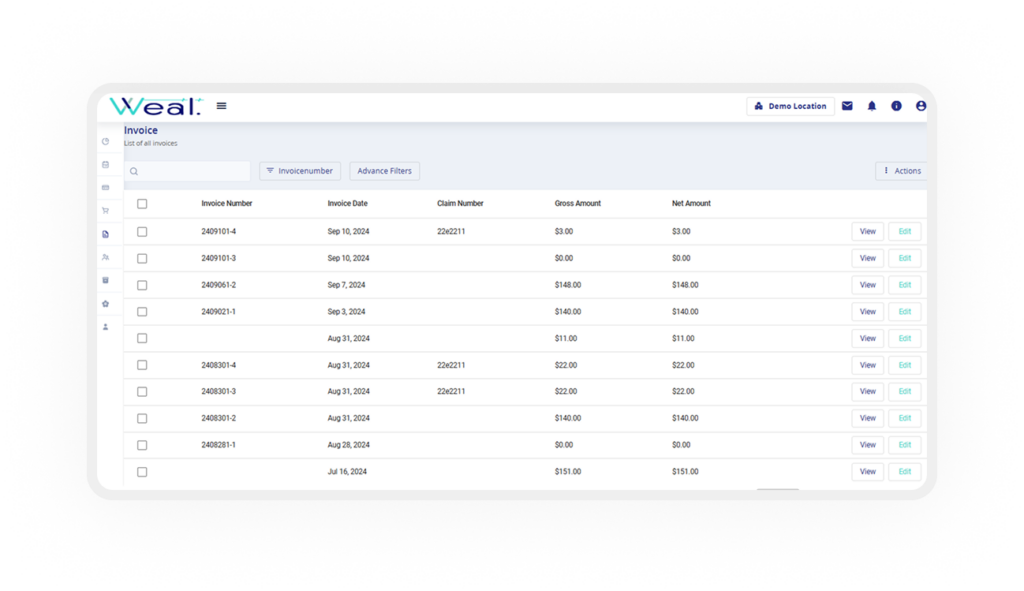
Review billed amounts, collections and unpaid balances. Inspect payment records by gateway, status and date.

Intake Progress Timers
Review the time between intake completion, approval and payment to identify stages that need operational attention.

Lead Status Distribution
Review the distribution of leads across intake and approval statuses to support staff follow-up planning.

Provider Appointment Activity
Filter appointment reports by dates, patient or provider to review visits and cancellations. Explore the scheduling workflow.

Survey & Program Breakdown
Review intake volume by survey or program, including the clinical programs configured for your practice.

Products & Prescription Reports
Review product activity and prescription or medication summary reports using relevant provider, date and item filters.

Date Filters & Chart Export
Inspect activity over selected periods and export supported dashboard charts for your team’s operational review.
See Your Workflow in WealMD
Bring the reports and operational questions your team uses to review scheduling, intake and collections. Review all WealMD features or book a demo to confirm your clinic’s configuration.